Locketpad
A downloadable tool for Windows
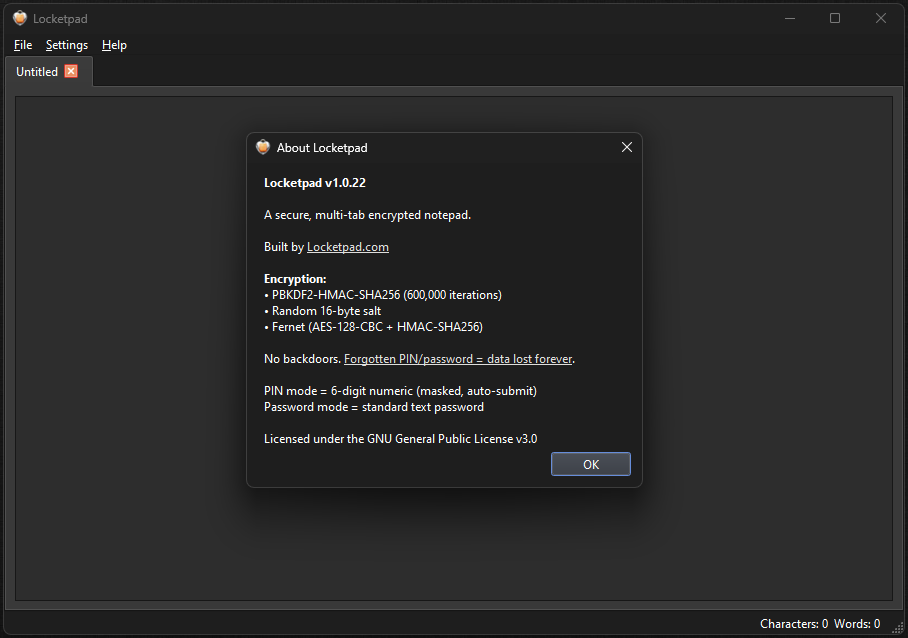
LocketPad is a lightweight, free Windows utility for storing sensitive notes securely.
- Simple interface like classic Notepad
- AES encryption protects your text files with a strong password
- No accounts, no cloud – everything stays on your device
- Open, edit, and save encrypted .lpd files
- Perfect for passwords, personal ideas, journals, or any private text
Built as a first-time desktop app with Inno Setup installer. Unsigned (free utility), so Windows may show a warning – safe to run.
Source/offline-only focus keeps it fast and private.
Please visit the app website locketpad.com for more details.
Download
Install instructions
1) Download the ZIP file below (recommended – avoids direct EXE warnings).
2) Extract the contents to any folder.
3) Run LocketPad_Setup.exe inside the extracted folder.
4) Follow the Setup installer prompts.
If Windows SmartScreen warns: Click "More info" → "Run anyway".
After install: Launch LocketPad from Start Menu or desktop shortcut. Create a new file, enter your password, and start writing securely.

Leave a comment
Log in with itch.io to leave a comment.